

The reason most people dread the idea of making a receipt from scratch is that they picture an evening lost to a design program, fiddling with fonts and trying to draw a barcode that doesn’t look ridiculous. That picture is out of date. If you need to make a fake receipt today, whether it’s for a prop, a product mockup, a test dataset or a classroom exercise, the whole thing takes less time than brewing a coffee. Here is exactly how.
Start with the right kind of tool
The single decision that determines everything is where your template comes from. A lot of so called generators build their layouts from imagination, which is why their output always looks slightly wrong even when you can’t put your finger on why. The tools worth using reverse engineer their templates from real receipt scans, so the spacing, the typeface and the barcode format already match what a real register prints. You are editing a genuine layout rather than guessing at one, and that difference does about ninety percent of the work for you.
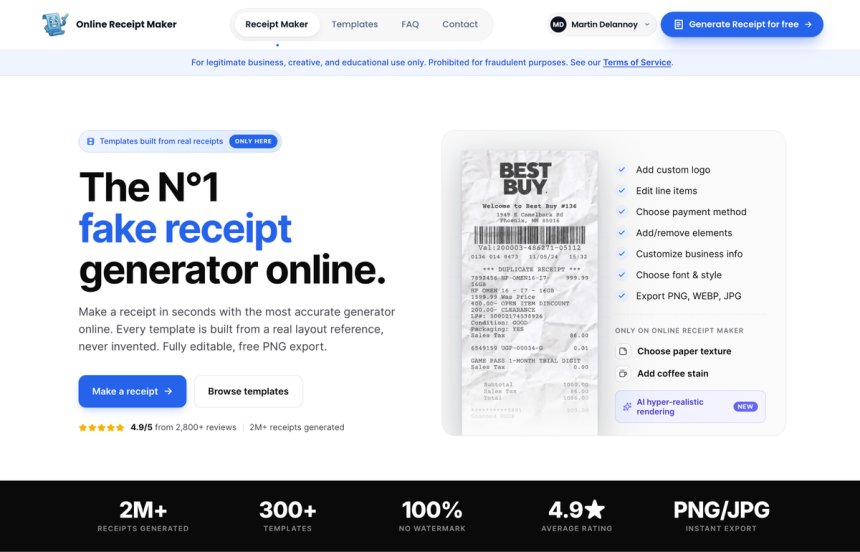
For accuracy first results, Online Receipt Maker is the one I reach for. Every template is built from a real layout reference, the editor is fully live, and the free PNG export means you can have something usable without paying anything to try it.
The four steps, start to finish
Here is the actual flow. None of it requires design skill.
**1. Pick a template that matches the scenario.** Choose the brand or category you need, such as grocery, coffee shop, gas station, pharmacy or general retail. Picking the right category up front gets you most of the realism for free, because the format quirks that make a coffee receipt look like a coffee receipt are already in place.
**2. Edit the fields.** Swap in your own line items, prices, date and time, store address, payment method, even the cashier name and store number. A good editor updates everything live as you type, so there is no slow render between changes. Set a sensible tax rate and let the totals calculate themselves.
**3. Add a touch of wear.** This is the step that separates a believable receipt from an obviously digital one. Switch the paper texture to thermal, add a faint crease or a coffee stain, and if the tool offers it, run the pass that adds subtle ink variation. A receipt that looks slightly used reads as far more real than one that is pixel perfect.
**4. Export.** One click gives you a clean image or PDF ready to drop into your mockup, slide, prop folder or test harness. Done.
That really is the whole process, and once you have done it once it genuinely takes under a minute.
The details that decide whether it looks real
Speed is great, but a fast fake that falls apart on inspection is useless. A few habits keep yours convincing:
Make the arithmetic work. Subtotal plus tax must equal the total, and the tax must match the rate you set. This is the first thing anyone scrutinising a receipt checks, and it is the most common giveaway. Tools that calculate the totals for you remove the risk entirely.
Keep the context plausible. Use a store address that could exist, a timestamp that falls inside opening hours, and prices that fit the date. A gas price from a decade ago on a receipt dated this year is the kind of small wrong note that gets noticed.
Match the format to the store. A coffee receipt has a rewards line, a gas receipt has a pump number, an auto parts receipt has part numbers. Using the correct structure for the business is exactly why scan based templates beat a generic slip with a logo dropped on top.
When you want a faster, simpler flow
Sometimes you don’t need every realism dial, you just want a clean result quickly, or you specifically want a PDF rather than an image.
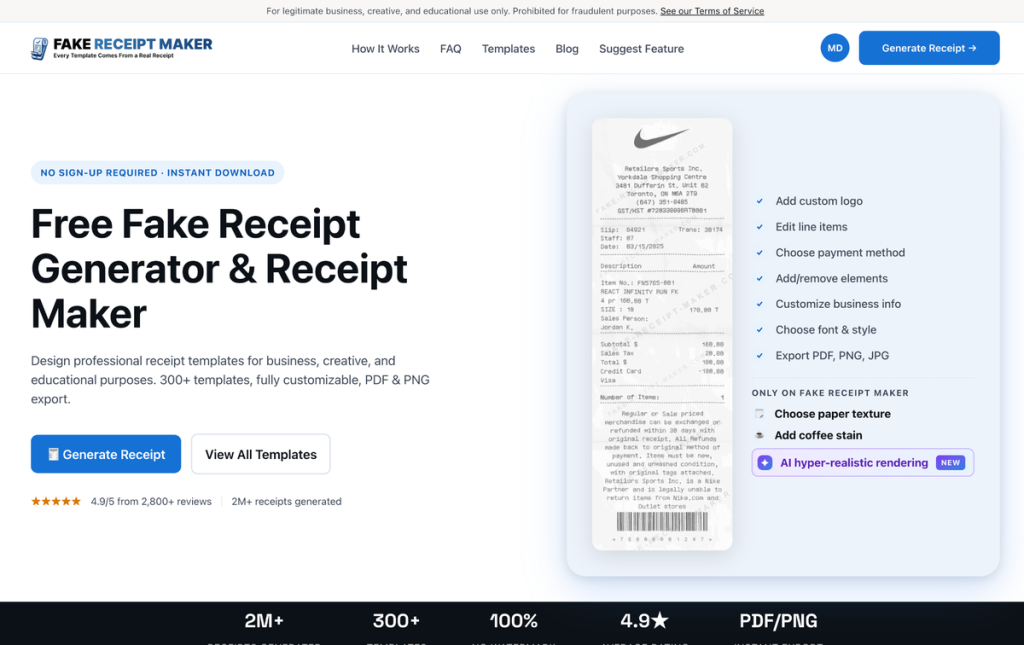
That is where Fake Receipt Maker fits. It uses the same real layout approach, asks for no sign up to get started, and runs a three step flow that gets you from a blank template to a finished download in moments. The PDF export is handy when the receipt is going straight into a document or an email rather than a design file.
What people actually use this for
Worth being concrete, because the phrase fake receipt sounds more dramatic than the reality. The people making these are usually doing ordinary work: prop assistants dressing a set, designers populating an app mockup with believable sample data instead of placeholder text, engineers building test inputs for a receipt scanning feature, teachers preparing accounting or budgeting exercises, and founders putting realistic transactions into a product demo. In every one of those cases the goal is a document that looks real on a screen or in a scene, not one that deceives a real person.
Keep it legitimate
One genuine boundary before you go. These tools are built for legitimate creative, business, educational and testing work, and both sites say so plainly on their own pages. Using a fabricated receipt to actually deceive someone, such as faking an expense claim, a return or an insurance claim, is illegal regardless of how the receipt was produced, and both services prohibit it. Stay on the creative and professional side of that line and you have a quick, genuinely useful tool.
Bottom line
Making a fake receipt used to mean a lost evening in a design program for a mediocre result. Now it is four steps and under a minute: pick an accurate template, edit the fields, add a little wear, export. Start with a tool whose templates come from real scans, keep the math and the context plausible, and you will have something that holds up to a close look long before your coffee is ready.